
To update your elections:
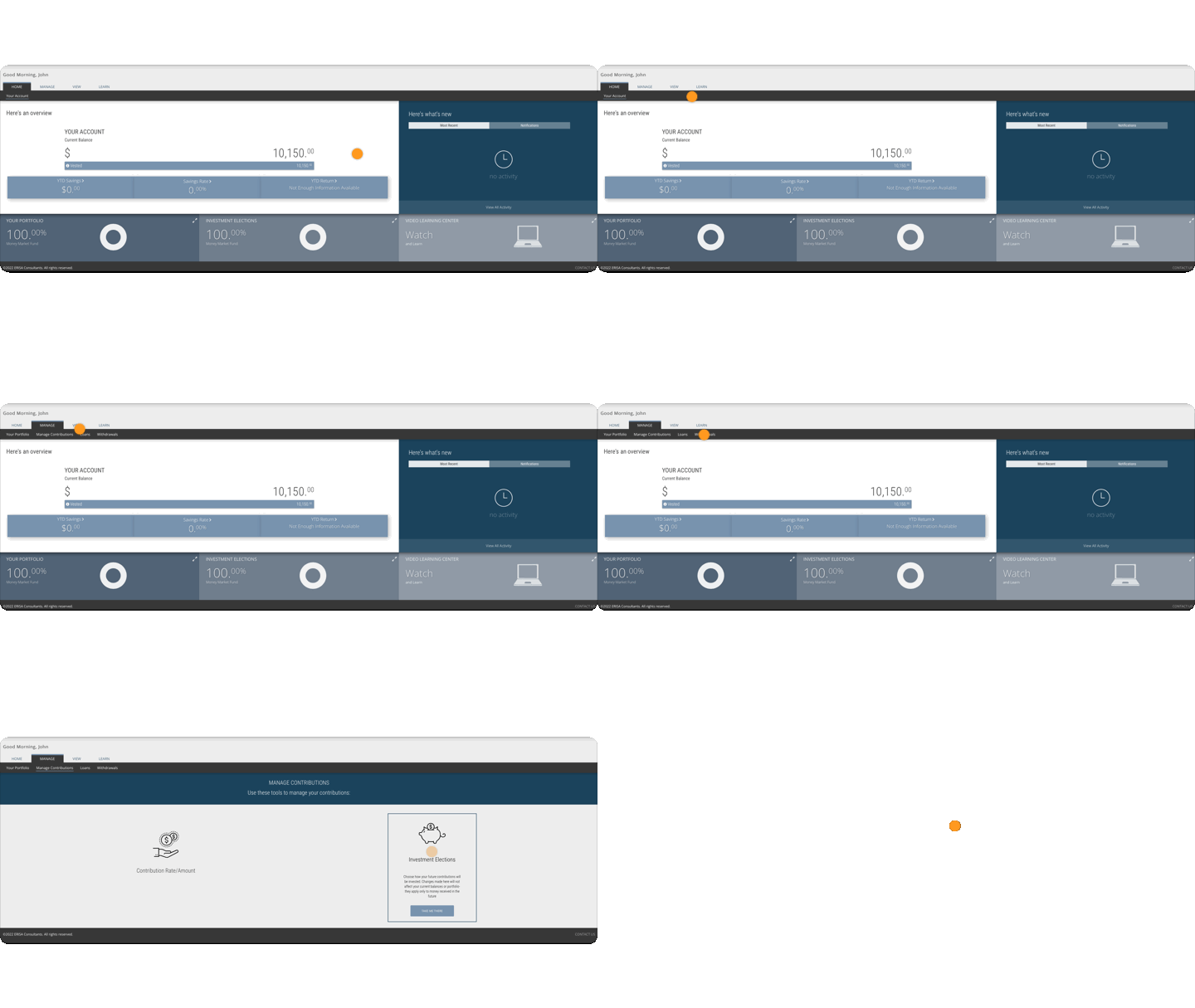
- Login to your account at erisa.net/participant.
- Hover over Manage in the top navigation bar.
- Click Contributions.
- Click Investment Elections.
- In the table, input your desired percentage into the New Election column.
- Repeat step 5 as necessary until your elections total 100%.
- Click Submit in the lower right corner. The graphs will show your old versus new allocation.
- Click Submit again in the popup to confirm your changes.
- The next screen gives you the option to realign your portfolio. What does that mean?
- If you wish to invest your current holdings according to these elections, click “Yes, Realign My Portfolio”.
FAQ
How long will it take for my elections to update?
Elections are typically updated every business day around market close, or 4:00 PM Eastern.
Why am I still invested in my old funds?
Your election update only applies to future contributions. You must realign your portfolio if you want your current holdings to be invested in your new elections.
What should I invest in?
If you have questions about what to invest in, please contact your plan’s advisor. If you need that information, please contact us and we will help get you to the right person.